

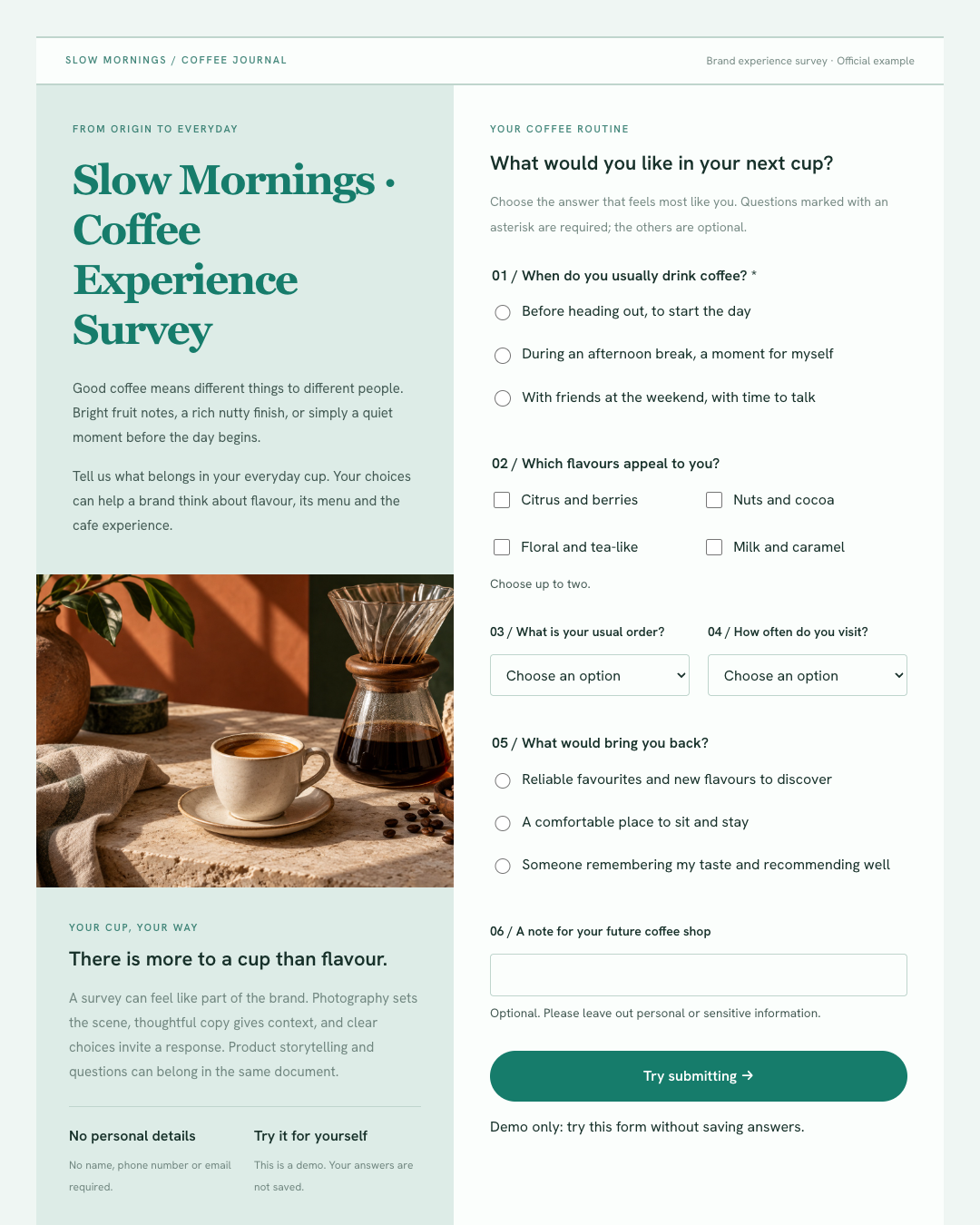
Survey form
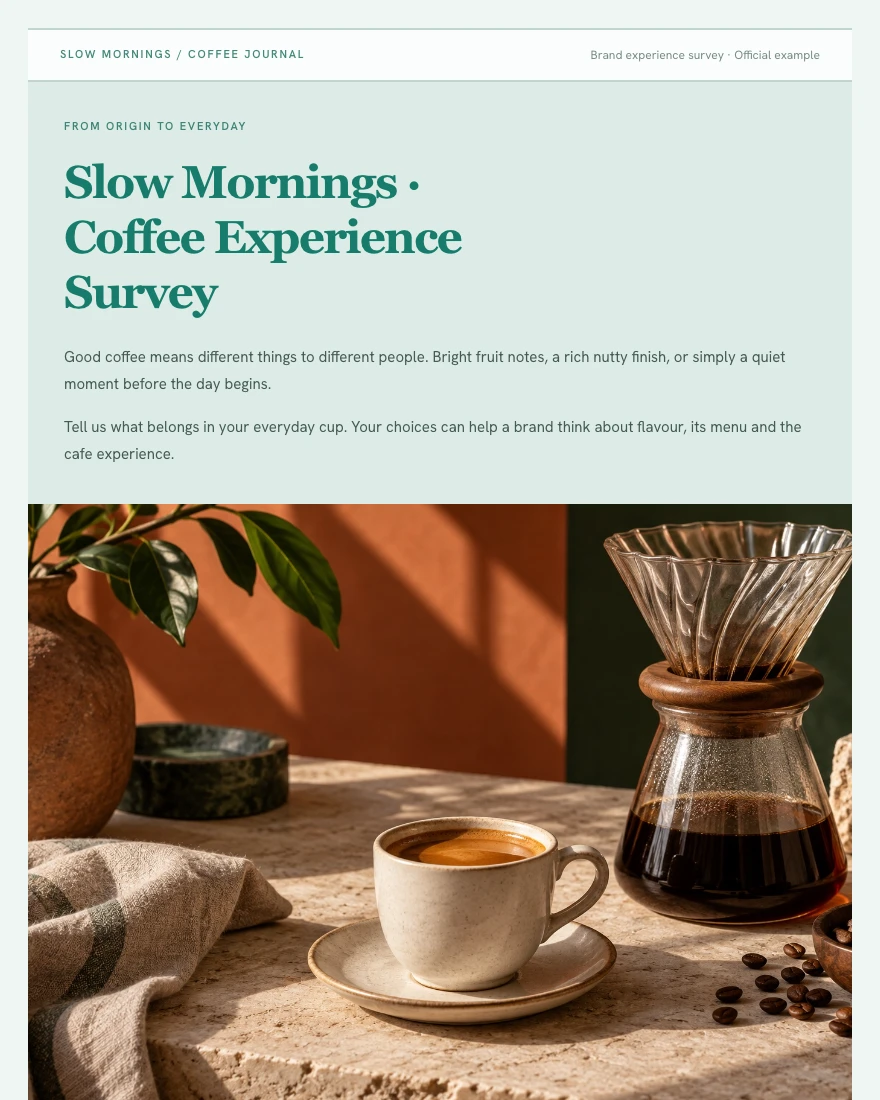
Slow Mornings · Coffee Survey
“Create a coffee experience survey with the brand’s own visual identity.”
Brand imagery, context and six question groups in a complete survey you can try.
Try the form ↗A built-in calculation engine powers your data. Charts, metrics, and text reference the same results. Works are private by default; share a read-only link, set its expiry, or revoke it.
Totals, growth, and shares follow explicit rules, with results linked to their source data.
Publish and send a link. Readers can explore the work without you having to deploy a website.
Documents are private until you choose to share them.
01 / How it works
Send the installation instructions to your AI tool and follow the steps to connect your account.
Explain what you want to make. Add data or reference material if you have it.
Ask AI to publish so you can see the result on the platform, then tell it what to change.
Publish the version you are happy with and create a share link.
Create and edit in your AI tool. View and manage documents on OWL Compose.
Codex · Claude Code · Cursor · Grok · OpenCode
02 / Examples
Survey form
“Create a coffee experience survey with the brand’s own visual identity.”
Brand imagery, context and six question groups in a complete survey you can try.
Try the form ↗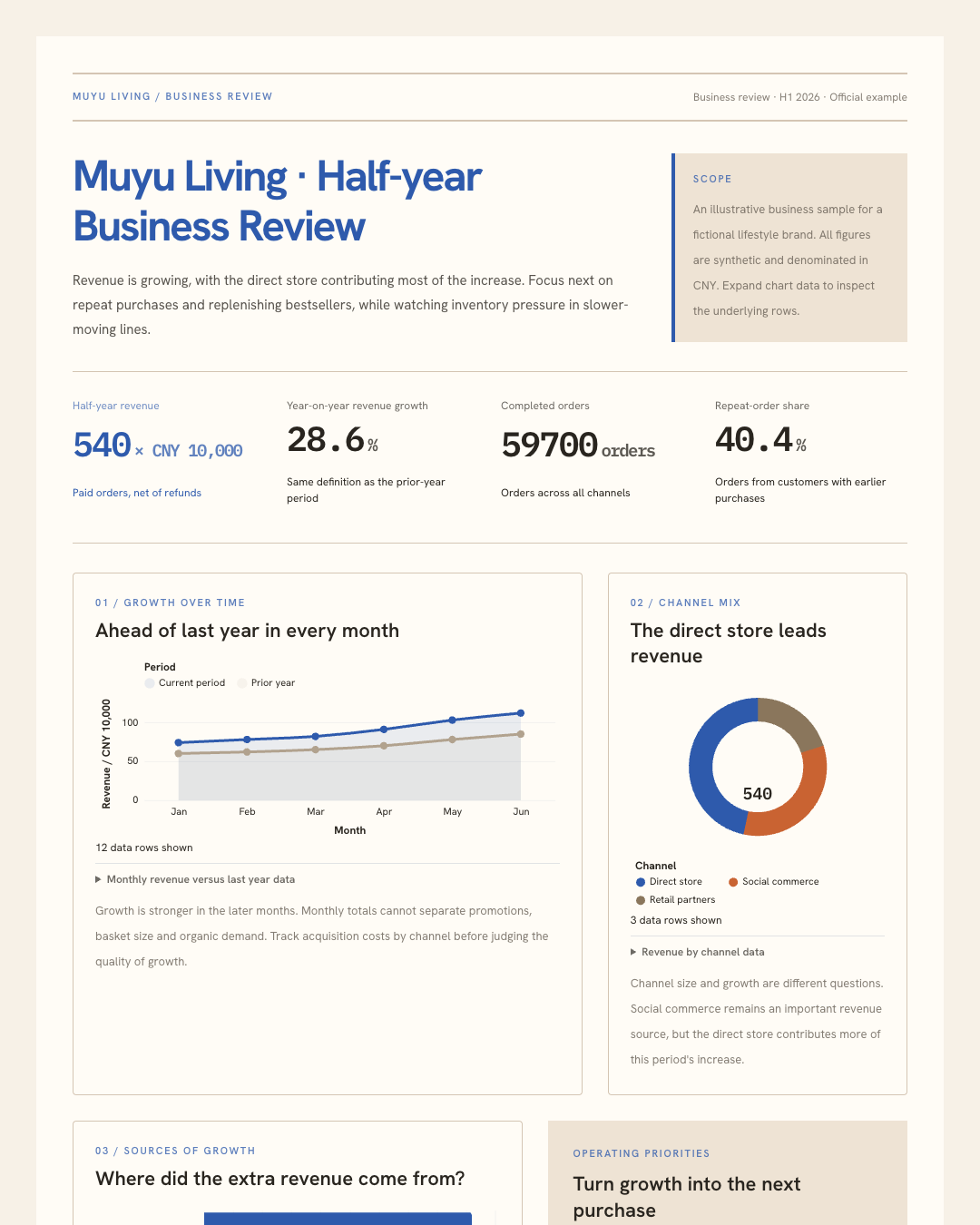
Data analysis
“Turn retail data into a half-year review with charts and operating priorities.”
Metrics, year-on-year trends, channel growth and product detail in one review.
Explore the analysis ↗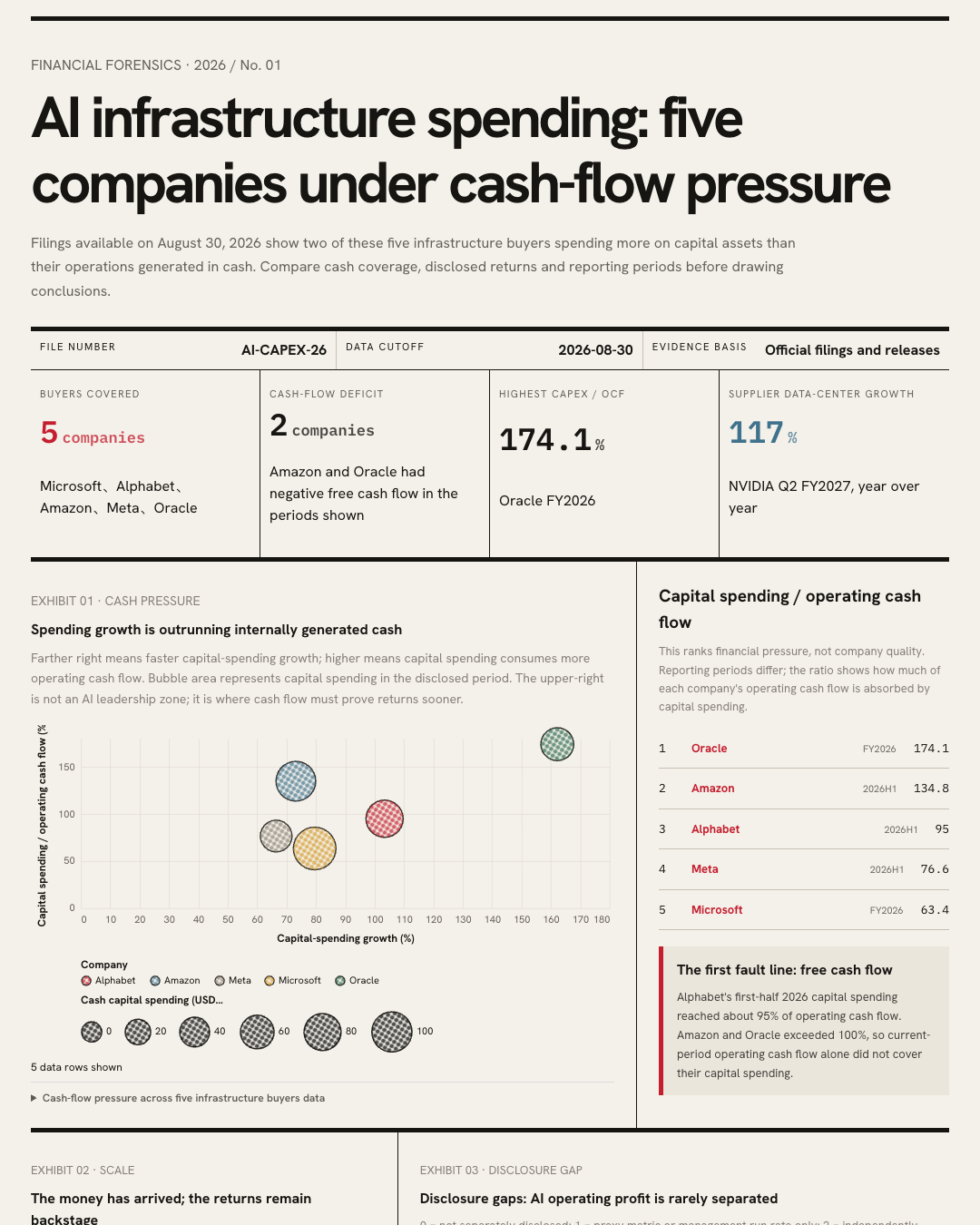
Visual report
“Organize these sources into a research report.”
Bring text, images, charts, and sources together in a complete report.
Read the report ↗The first two are official examples for fictional brands. Survey answers are not saved; business data is illustrative.
Explore reports, surveys and visual explainers. Adapt the structure, bring your own material.
 Full preview
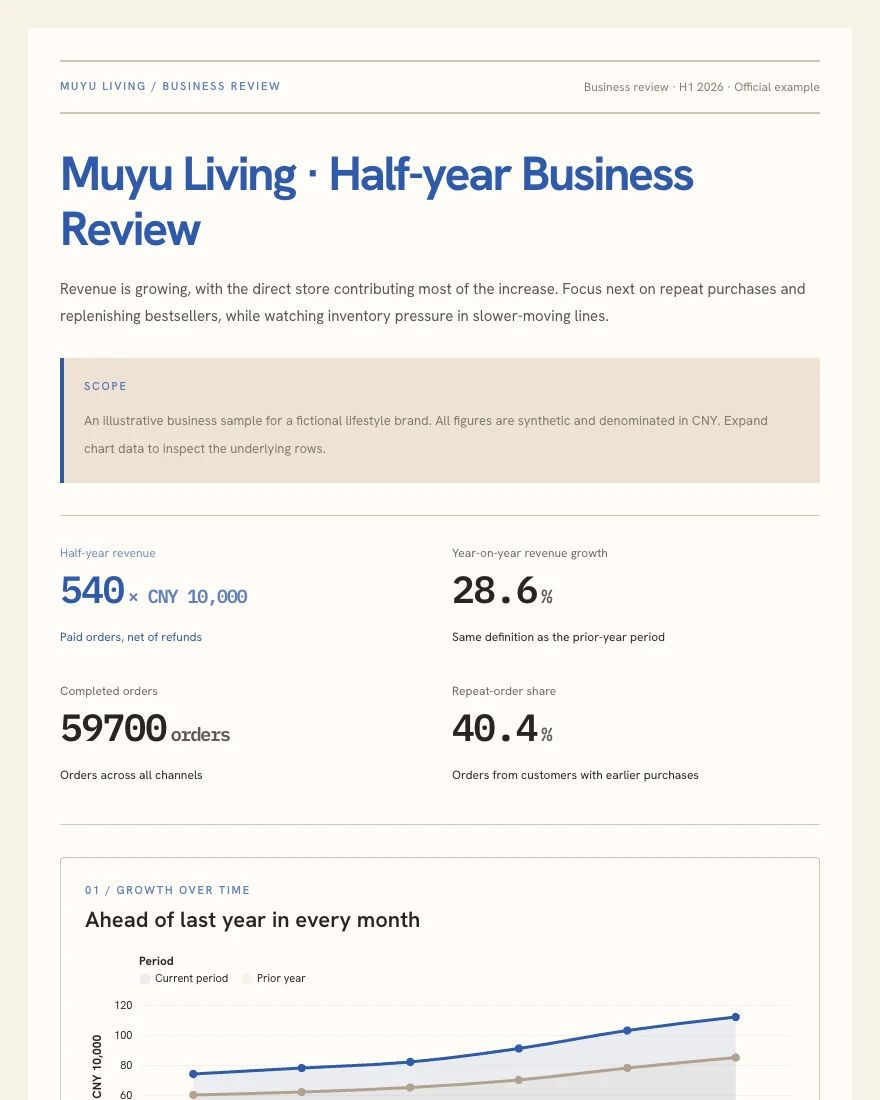
 Connect revenue trends, channel growth and inventory pressure to the next operating plan.
 Full preview
 Combine a brand story, photography and thoughtful questions in one survey.
 Full preview
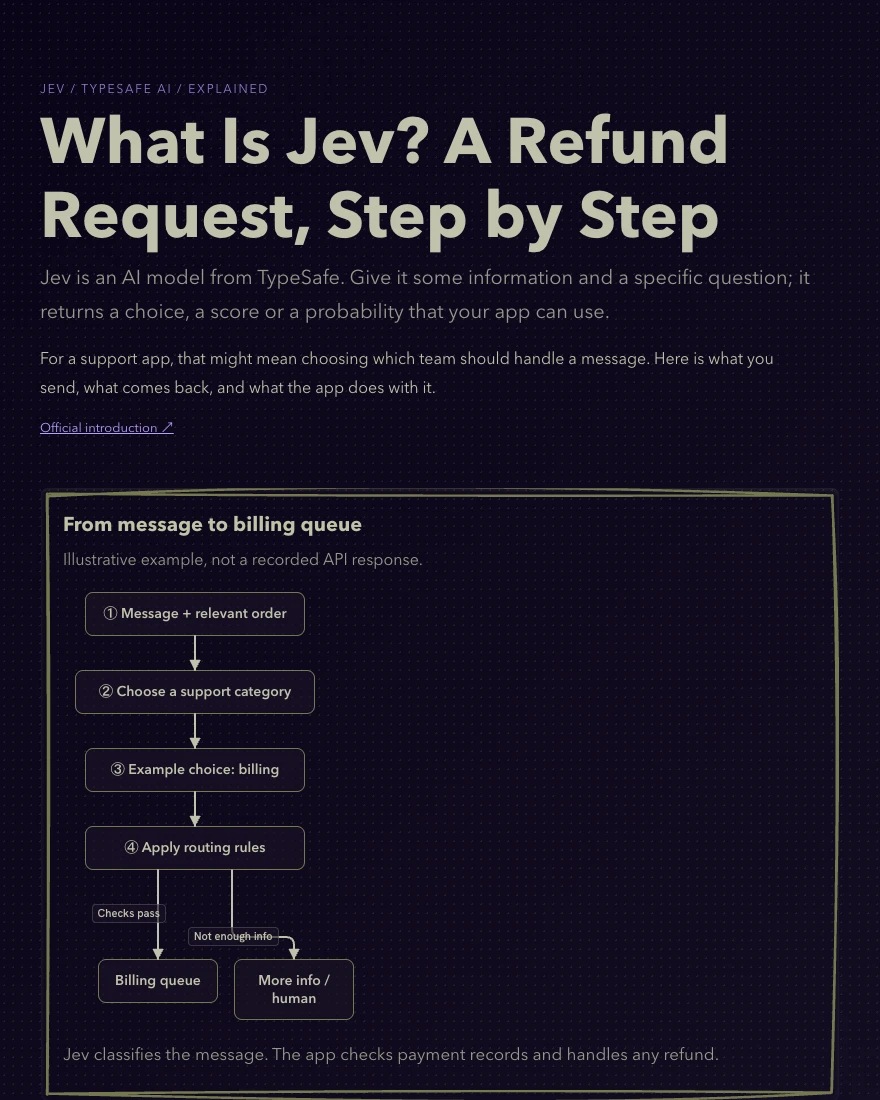
 Follow a refund message from input through a model judgment to application behavior.
The same sales example, with another chart added to answer a new question.
Adjust text, charts, and layout, then publish a new version.
Maintain the same document and retain its revision history.
Create a link when others need access. Revoke it when they no longer do.
OWL Compose provides chart, form, and layout components that AI can combine around your needs. We test real authoring tasks to improve complex documents and later edits.
Chart interactions, form inputs, and layout
Text, charts, images, and sources
Create documents with AI. View, update, and share them on the platform.
No free trial. Fees for your AI tool or model are paid to its provider and are not included.
Codex, Claude Code, Cursor, Grok, and OpenCode. Your tool needs terminal access. The installation page walks you through setup.
Describe your needs in natural language. AI uses the skill to create and edit documents. Follow the installation guide to set up your tool and connect your account.
Talk to your AI tool. Ask it to publish, inspect the result on OWL Compose, and return to the conversation to request changes.
Documents are private by default. People with a share link can access them after you create one. You can revoke the link.
After publishing and opening collection, view responses in the document’s interaction data management page. This demonstration does not save answers.
No. The subscription covers the document platform. Your AI tool or model provider charges separately under its own terms.
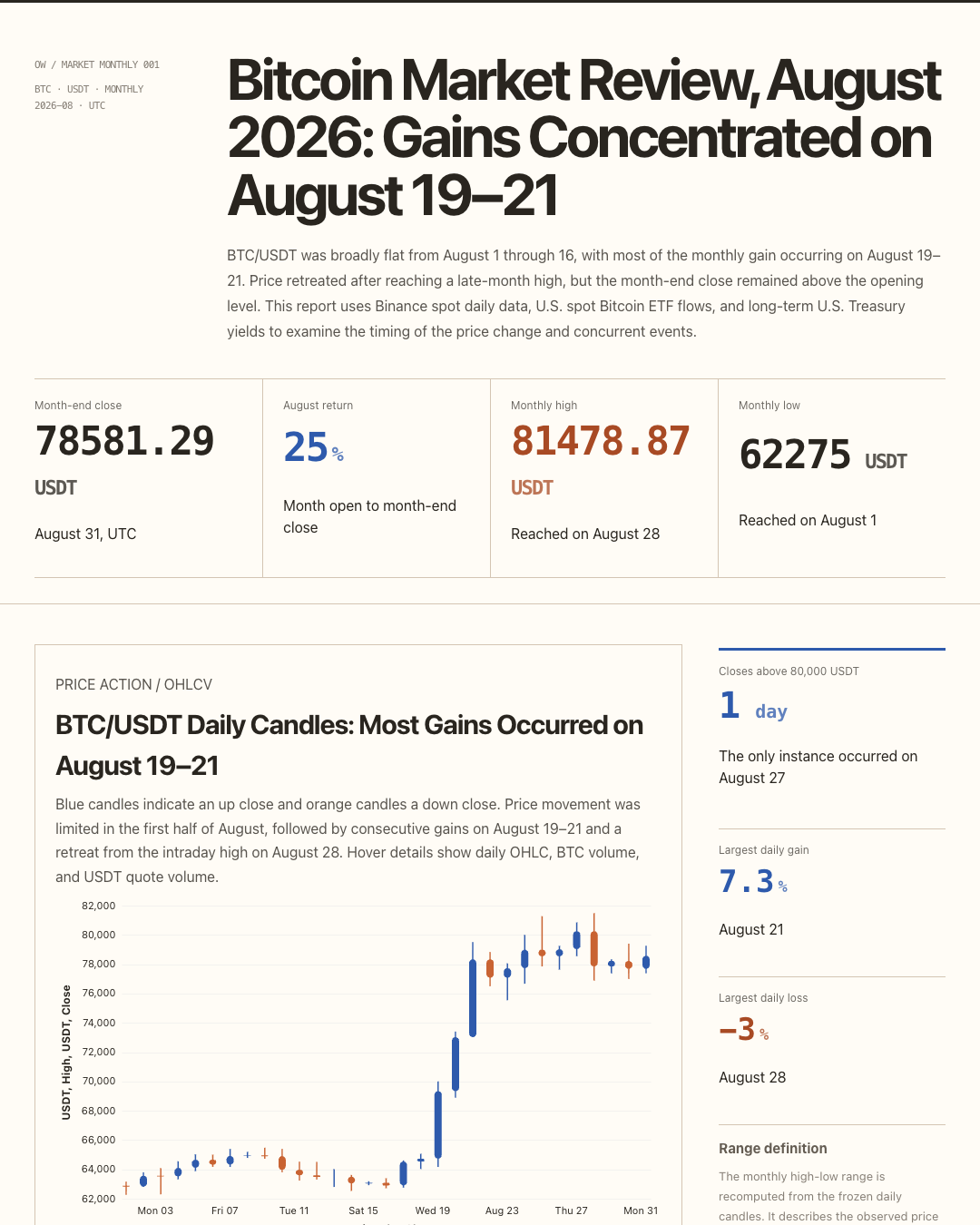 Bitcoin monthly evidence report
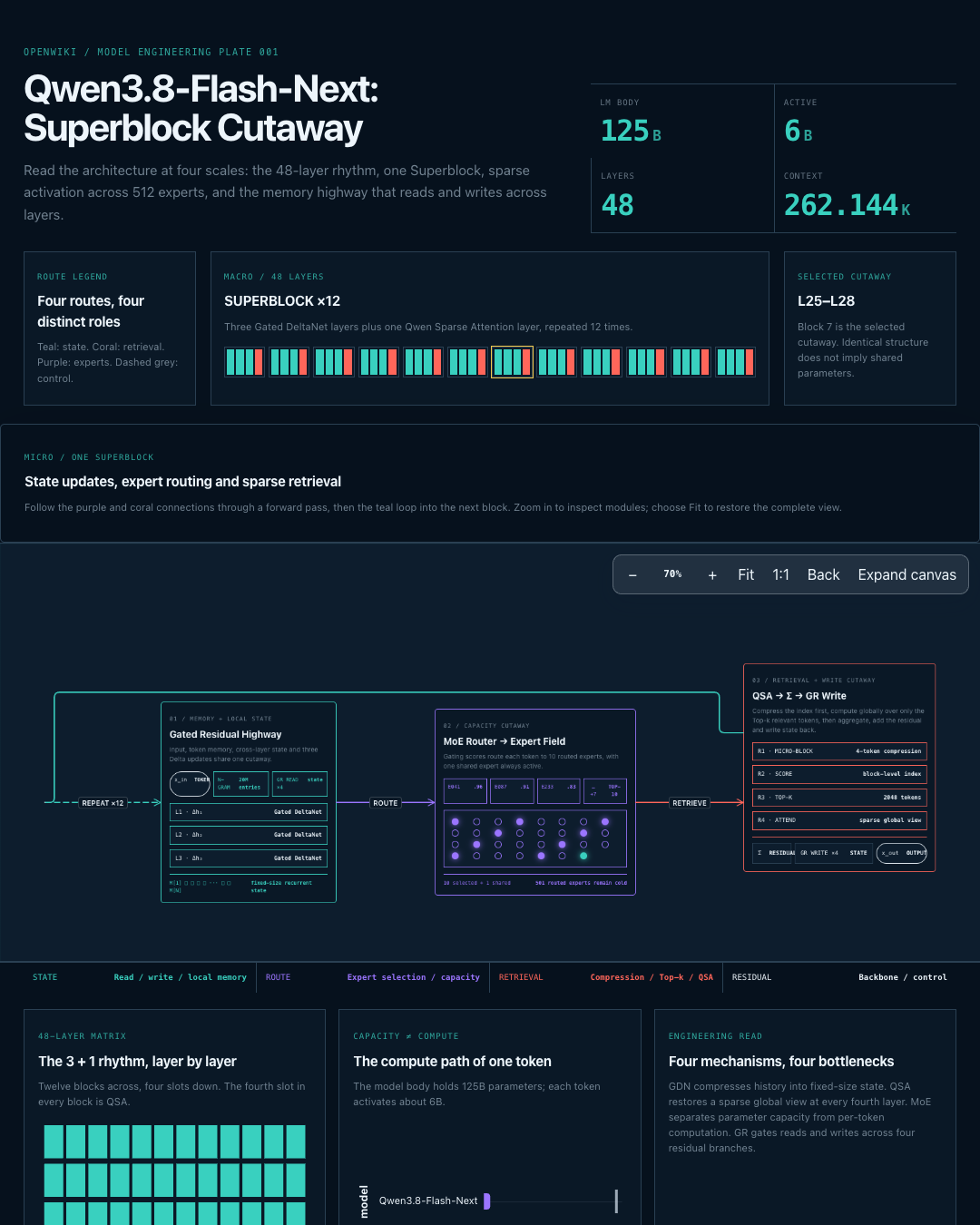 Qwen3.8-Flash-Next architecture
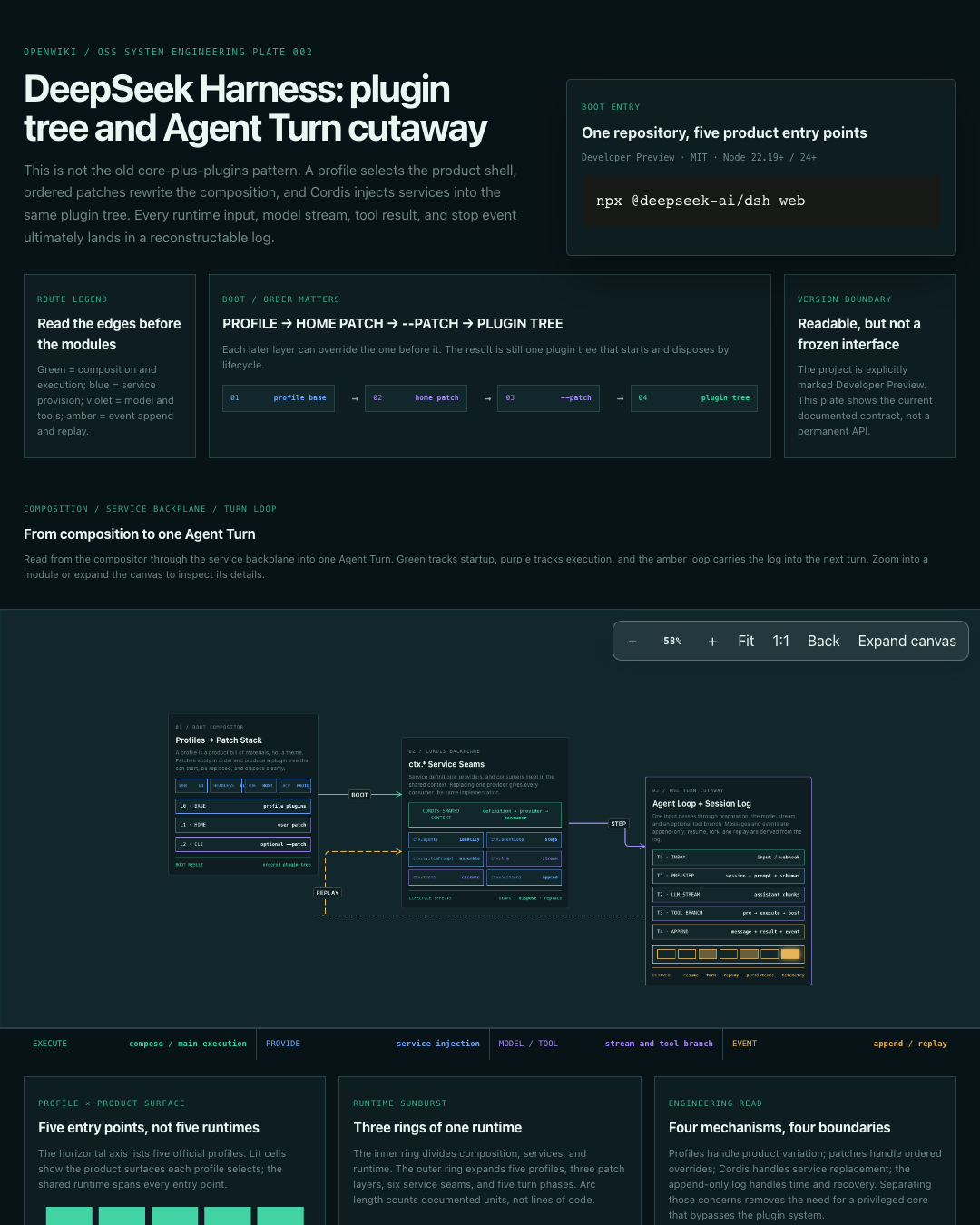 DeepSeek Harness architecture map